Grab your board.
Bring your friends.
A fan-made skate park in your browser.
Free skating, multiplayer, and voice chat.
No signup needed. Pick a skater and drop in.
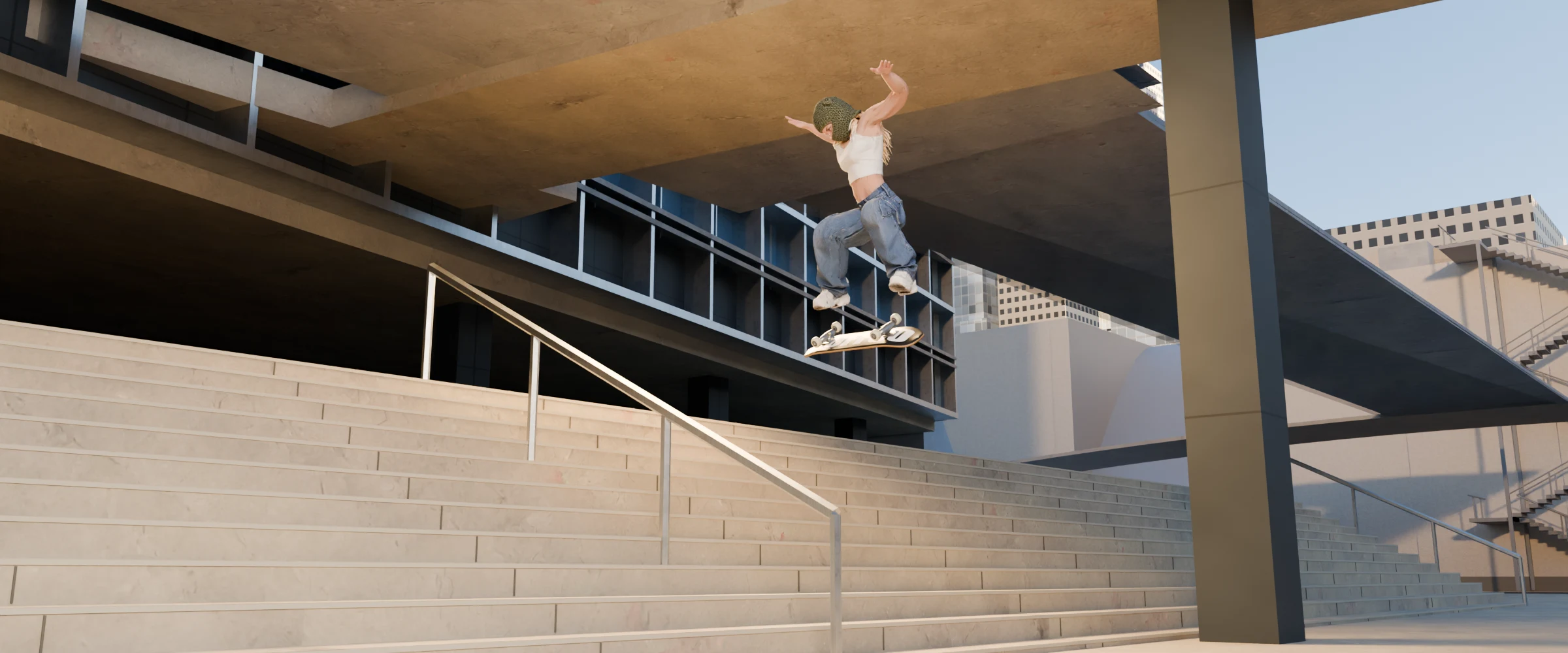
Meet the crew.
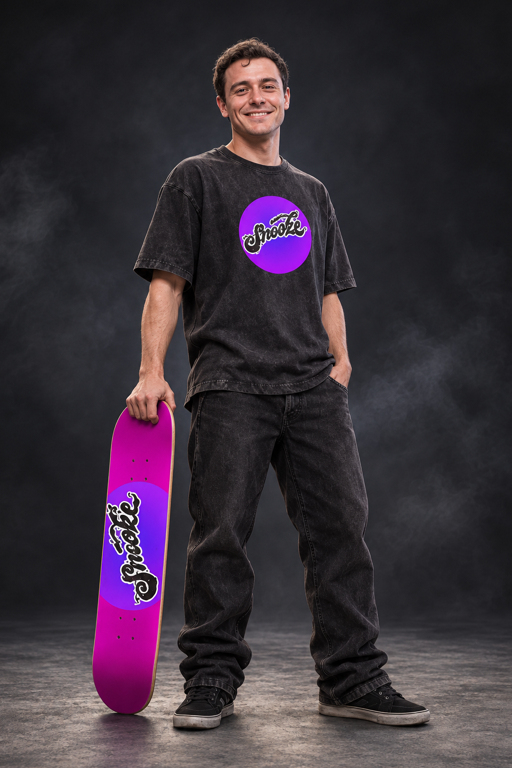
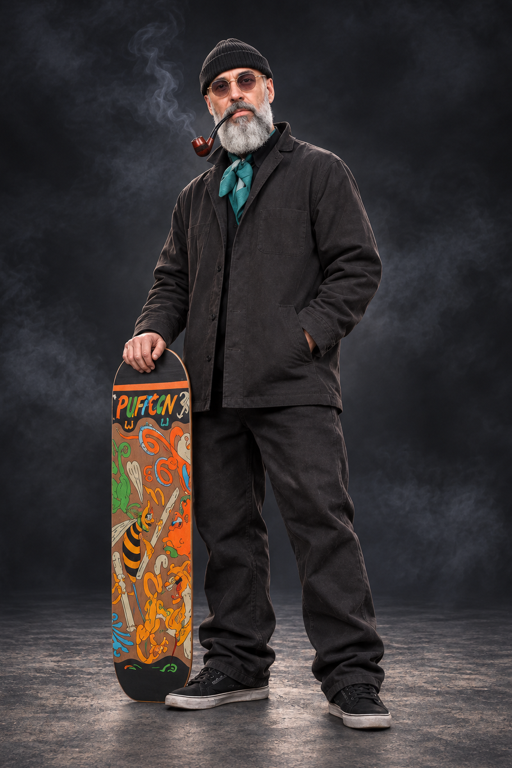

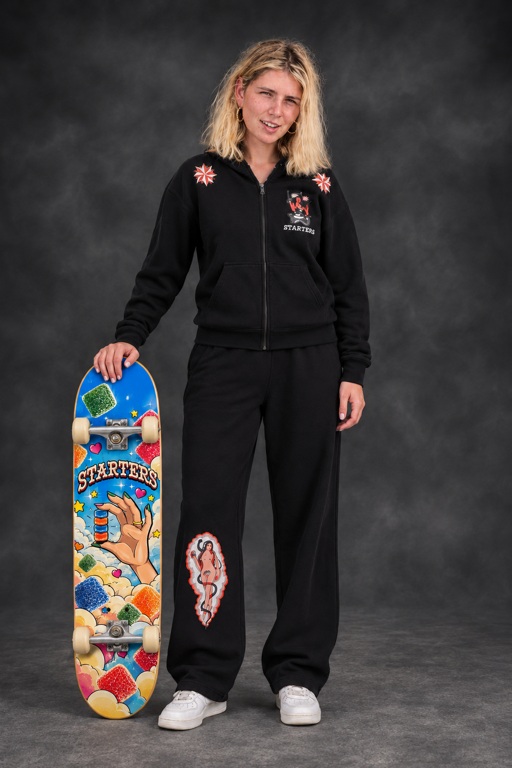

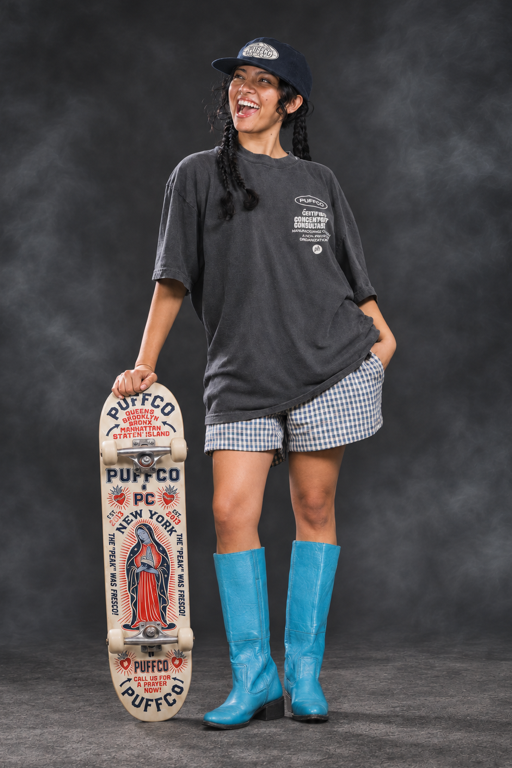
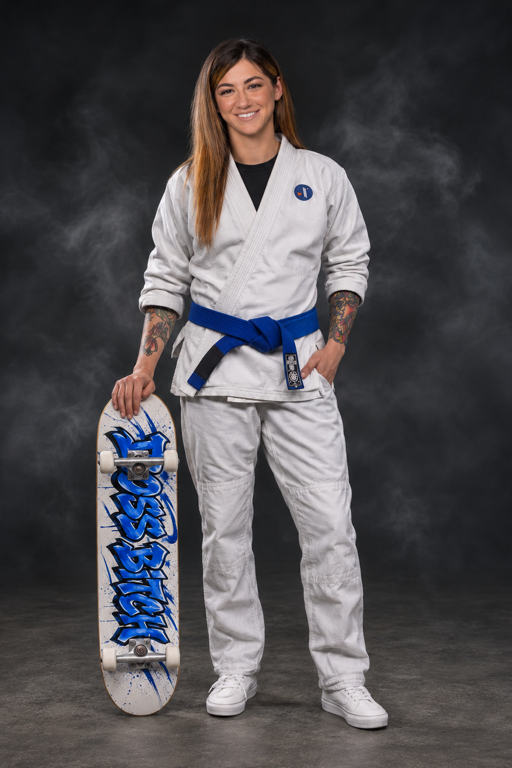
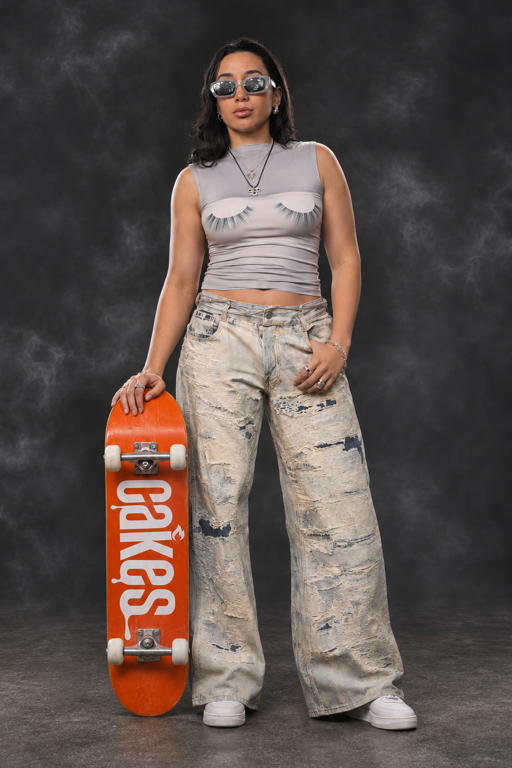
Scroll or drag to explore. All eight are free to play.
Skate as yourself.
Your own playable skater, plus the 3D files to keep. An optional thank-you that helps cover tools and hosting.
$15 launch Planned regular price $25 USD
GIFs and cover art are available as separately quoted extras.
Request a custom skater
No payment today. We’ll confirm your photos, scope, and turnaround before you pay.
How to play: FAQ
Pick your controls, then start on flat ground with a few pushes and an ollie.
How do I play on mobile?
Use Mobile Mode and turn your phone sideways. Give the map a moment to load; performance depends on your device and WebGPU browser support.
- Steer / move: drag the left on-screen stick.
- Push / select: tap A.
- Ollie: drag the right stick down, then flick up. Try diagonal flicks for flip tricks.
- Grabs: hold LT or RT in the air.
- Pause / go back: START pauses; B goes back in menus.
The right stick is your trick stick. It springs back when you lift your thumb.
What are the desktop keyboard controls?
Use the keyboard with no controller connected.
- Steer / move: W A S D.
- Push / select: Space.
- Ollie: Arrow Down, then quickly Arrow Up. Combine arrow keys for diagonal flip-trick flicks.
- Grabs: hold Shift or C in the air.
- Pause / go back: Esc pauses; E goes back in menus.
- Change skater: F3 while paused.
More controller mappings: E / Q / R = B / X / Y; Z / X = LB / RB; V / B = stick clicks; I / K / J / L = D-pad up / down / left / right; Tab = Back.
How do I play with a controller?
Connect your controller, then press a button. These are the Xbox / PlayStation button names.
- Steer / move: left stick.
- Push / select: A / Cross.
- Ollie: pull the right stick down, then flick up. Try diagonal flicks for flip tricks.
- Grabs: hold LT / L2 or RT / R2 in the air.
- Pause: Start / Options.
- Go back in menus: B / Circle.
X / Square and Y / Triangle are the other face buttons. LB / L1 and RB / R1 are the bumpers.
Can I check the controls while playing?
Yes. Select How to play in the game, press H on your keyboard, or use the pause menu’s Controls entry. Switch between Mobile, Desktop, and Controller instructions.
Close the guide with Close, Esc, or H. Opening it does not pause the session, so pause first when you need a break.
Get occasional updates.
Privacy & email preferences
Your details are stored privately to handle your request or the updates you opt into. We don’t sell your email. Photo instructions come later.
Unsubscribing stops marketing, not replies about your character request.